The mobile app's offline mode
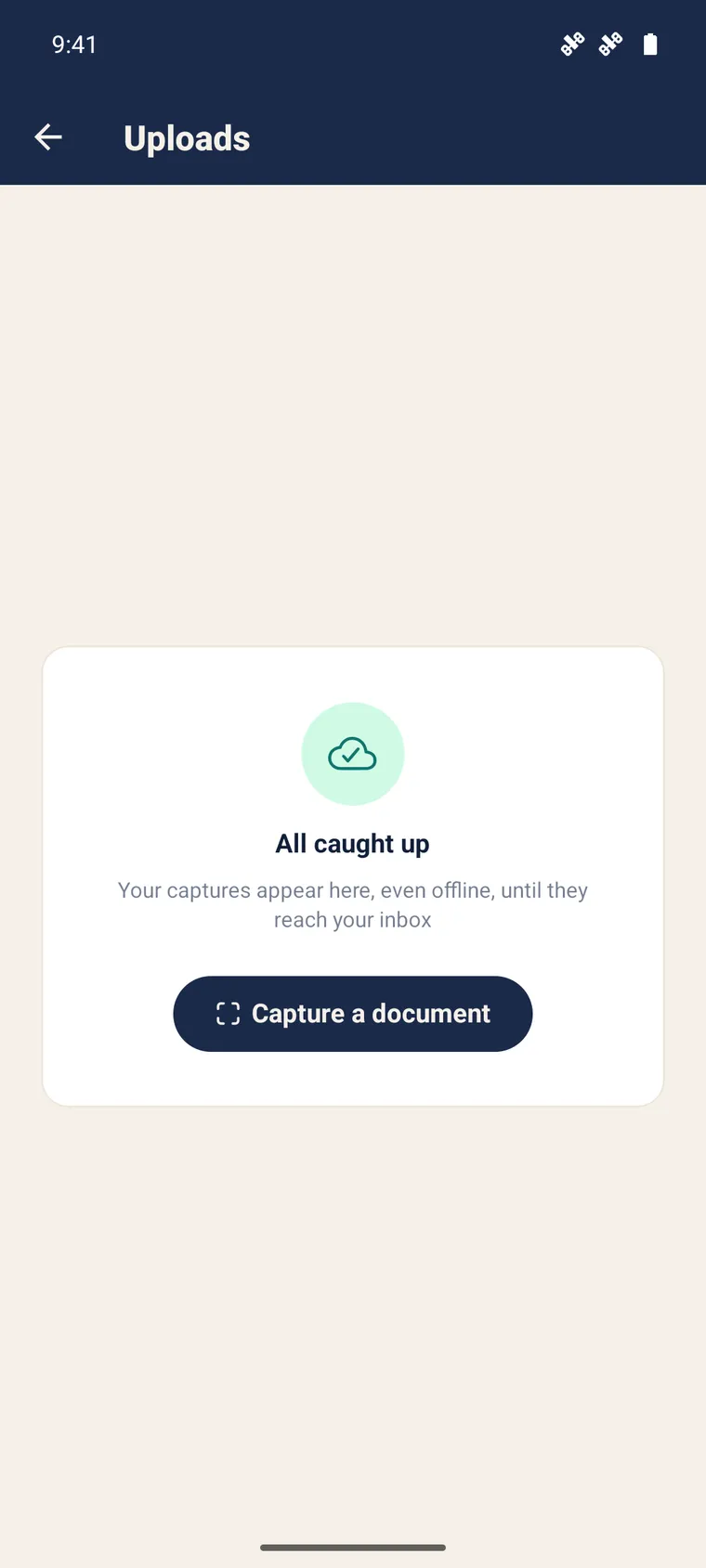
On the field, the network is never guaranteed. The SynkriaOps mobile app is built offline-first: you capture and browse without a connection, and everything syncs on its own as soon as it returns.
What works without a network
Section titled “What works without a network”- Document capture — photos and scans are stored locally, in a queue. This is the quintessential field use.
- Browsing — your latest screens (activity, banking, stock, invoices, pieces) stay visible thanks to the saved last snapshot, with a discreet “offline” banner.
What requires a connection
Section titled “What requires a connection”Actions that change the accounting are never replayed blindly: they require the network and are clearly refused offline, with a message.
| Action | Network required? |
|---|---|
| Capture a document | No |
| Browse (read) | No (last snapshot) |
| Assign / reconcile a transaction | Yes |
| Validate a piece | Yes |
| Create an invoice, a product | Yes |
Automatic synchronisation
Section titled “Automatic synchronisation”As soon as the connection returns, the queue leaves on its own. You have nothing to trigger. Synchronisation also restarts:
- on the network’s return;
- when the app comes back to the foreground;
- regularly while the app is open;
- immediately after a sign-in or a file switch.
Each step remembers its progress: if the app is closed mid-way, resumption picks up at the right place, without starting over.
Realtime, an accelerator
Section titled “Realtime, an accelerator”When the connection is good, the app updates in real time (WebSocket). But it is never a dependency: even if realtime fails to connect (unstable network), nothing is lost — regular synchronisation guarantees everything eventually comes through.
Shared phone
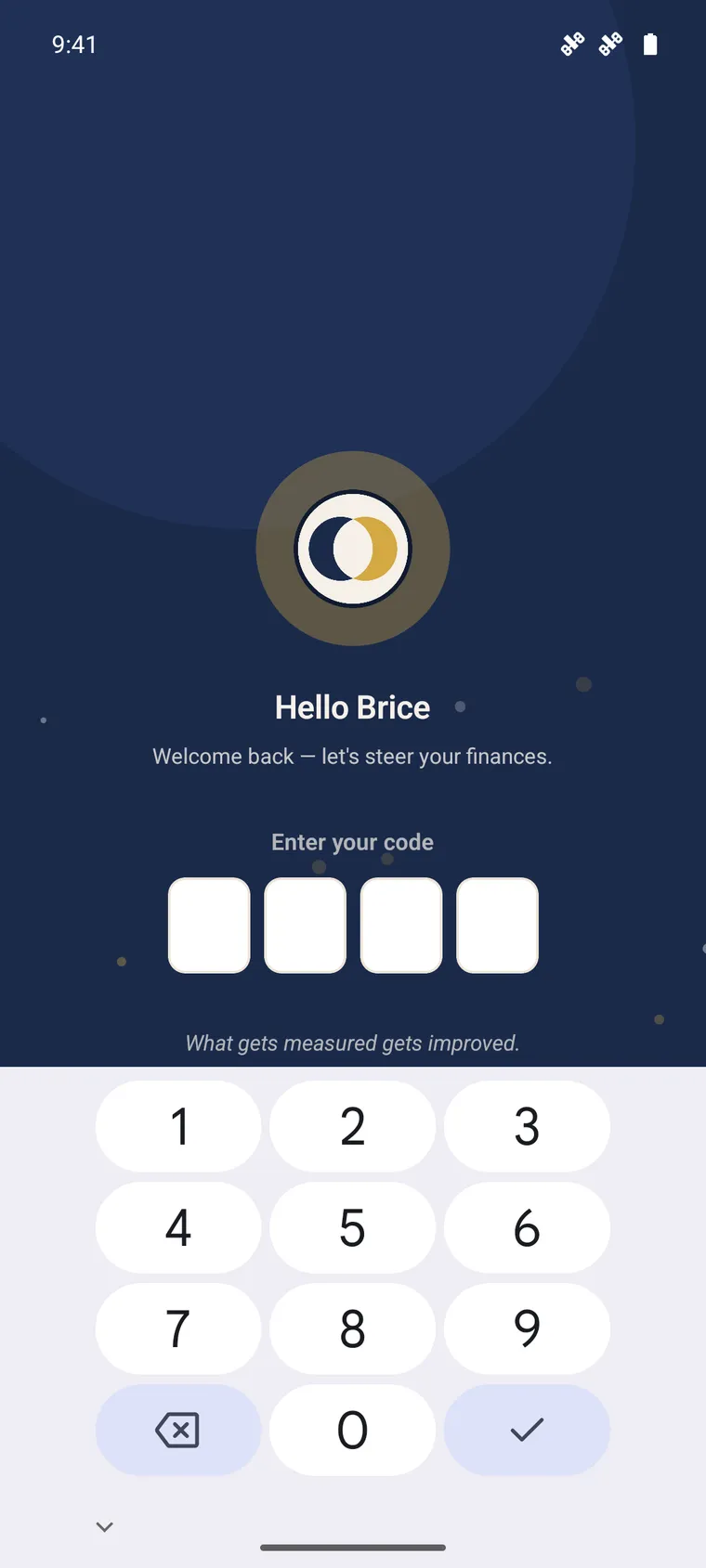
Section titled “Shared phone”On a file switch as on sign-out, the cache is purged (files, local database, tokens). No data from one file or user stays visible for the next — essential on a shared device.
Further reading
Section titled “Further reading”- Field capture — the main offline use
- Banking & reconciliation — the actions that require the network
- Install & access — sign-in and security