Field capture: photograph your receipts
Capture is the heart of the mobile app: turning a paper — invoice, receipt, statement — into a document usable in SynkriaOps, in a few seconds, even without a network.
The five document types
Section titled “The five document types”The home screen offers five cards, each opening the camera directly:
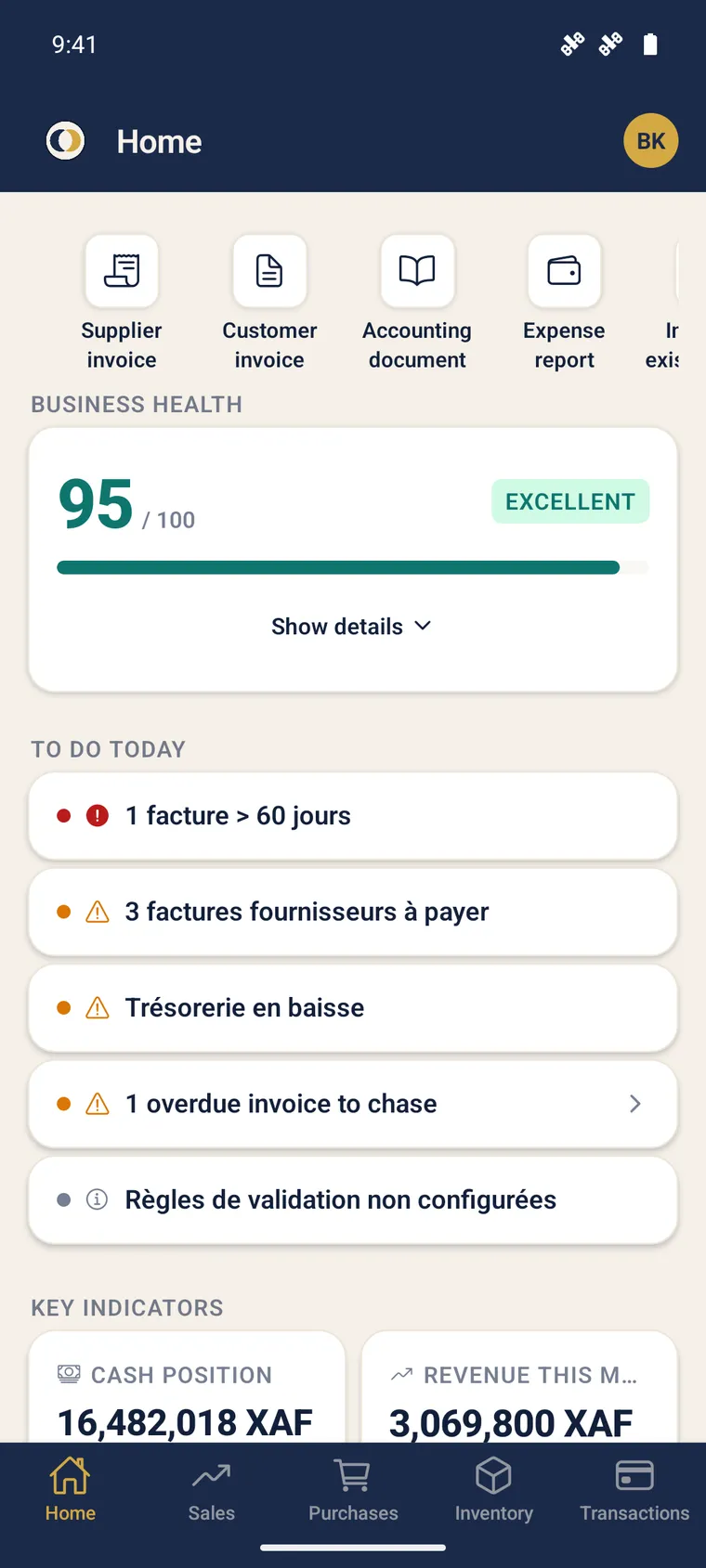
| Type | Use |
|---|---|
| Supplier invoice | An invoice received from a supplier |
| Customer invoice | An invoice you issued on paper |
| Expense report | A business expense receipt |
| Accounting piece | Any accounting supporting document |
| Bank statement | A paper statement, scanned like a document |
Photographing a document
Section titled “Photographing a document”-
On the home screen, tap the card matching the document type. The camera opens directly.
-
Frame the page using the corner brackets. Turn on the torch if needed.
-
Take the shot. You can chain several pages (up to 20) for a single document.
-
Check the thumbnails, delete a bad page, then tap Finish (N pages).
Zero network during capture
Section titled “Zero network during capture”Capture never depends on the connection. Each photo is optimised (rotation, compression) then stored locally in a queue; the upload to the server happens later, automatically, as soon as a network is available.
Import an existing document
Section titled “Import an existing document”Already have the file? Tap “Import an existing document”:
- Gallery photos (up to 20) — join the capture queue, offline OK.
- PDF from Files — sent online (assembly and OCR happen server-side).
Share from another app
Section titled “Share from another app”From WhatsApp, Files or any Android share, choose “Share to SynkriaOps”: the document opens the import flow directly. The share even survives the sign-in screen if you are not yet identified.
After capture
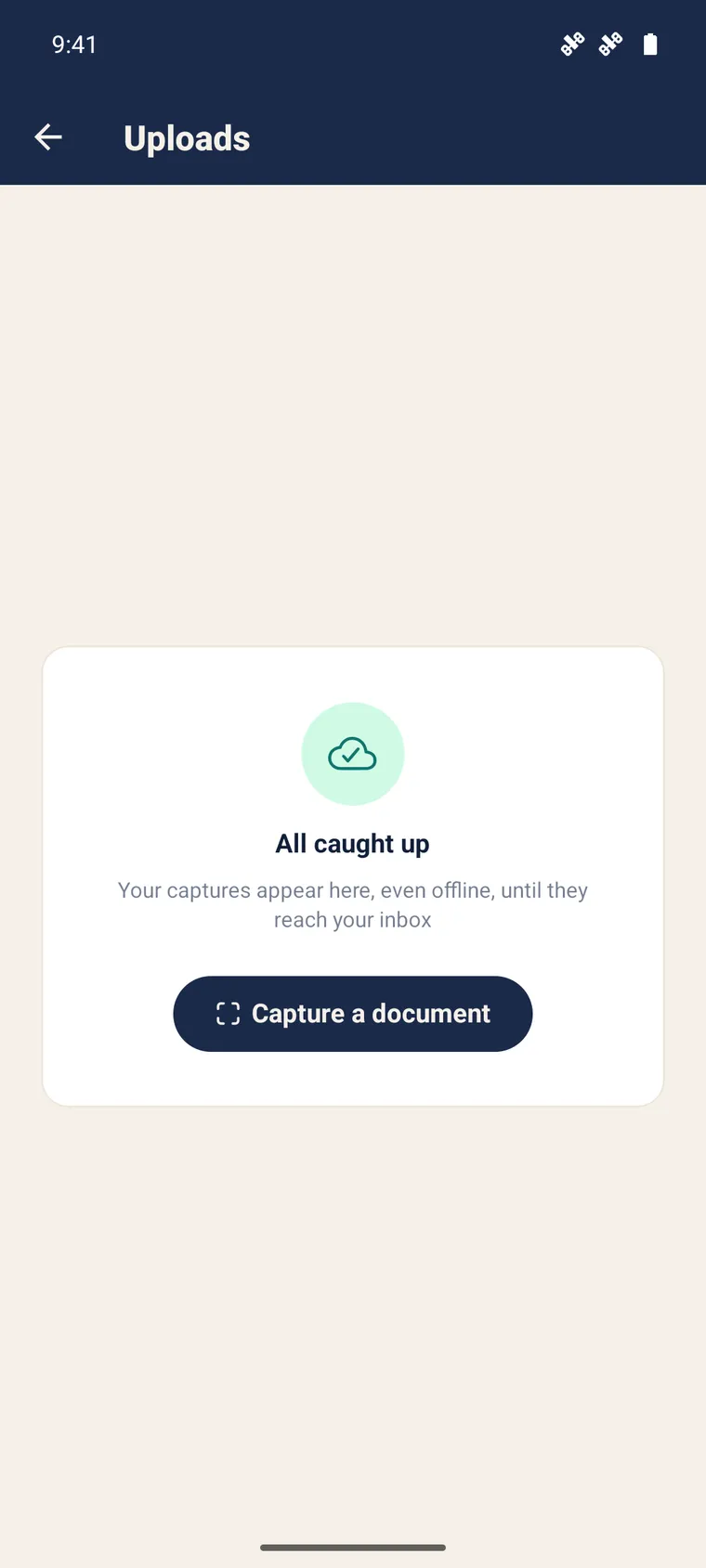
Section titled “After capture”A card shows the number of pending documents. Once uploaded, they are processed by server-side OCR, then appear as drafts to complete (supplier invoice, expense report…). See Import an invoice via OCR for the rest of the processing.
Further reading
Section titled “Further reading”- Offline mode — the queue and the synchronisation
- Banking & reconciliation — capture and process a statement
- Review & correct OCR data — finalise a captured document