Stock & barcode scanning on mobile
The mobile app’s Stock tab is the phone’s most complete module: a real management cockpit, built for the warehouse and the point of sale, with barcode scanning at its centre.
The stock cockpit
Section titled “The stock cockpit”The Stock tab shows your key indicators: number of references, products in alert, estimated WAC value, stockouts. A store selector filters everything (summary and product list).
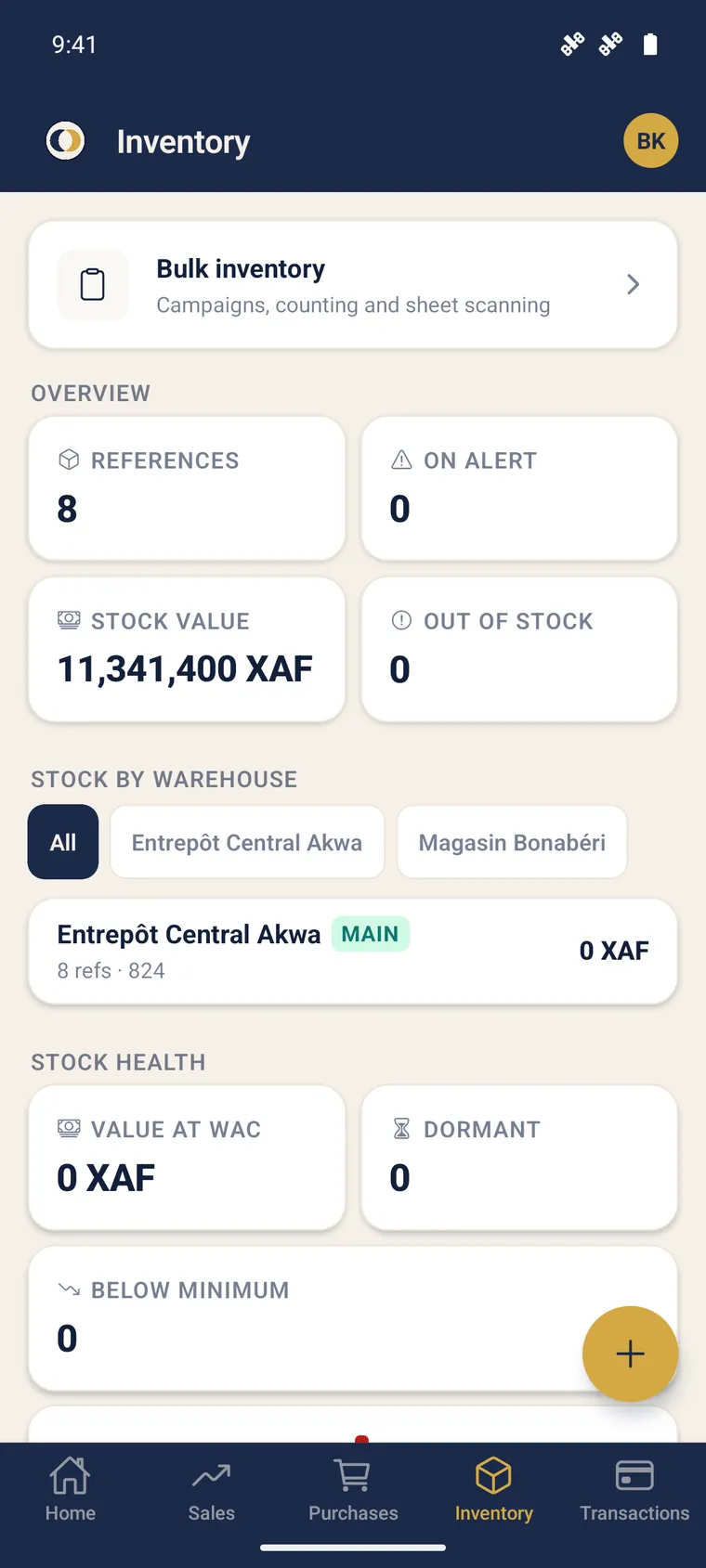
You also find:
- the 30-day movements trend;
- dormant and below-minimum products;
- an expiry section (expired / soon-to-expire);
- a threshold alert banner, sorted by criticality.
Scan a product
Section titled “Scan a product”-
In the Stock tab, tap the scan icon.
-
Aim at the barcode (EAN-13, EAN-8 or Code 128). The first read is enough.
-
The matching product opens — to view it, edit it or act on its stock.
Act on a product
Section titled “Act on a product”From the product page (rights required, in parity with the web):
| Action | Effect |
|---|---|
| Adjust | Correct the quantity (loss, breakage) |
| Inventory | Enter the counted quantity, valued variance |
| Thresholds | Set minimum / reorder point / maximum |
| Correct the store | Move stock to the right store (traced transfer) |
| Edit | Edit identity, prices, unit, category |
The page also shows the per-store breakdown (“Where is my stock?”), the WAC, the valuation, the expiry date and, for authorised profiles, a safety floor price.
Mass inventory by scan
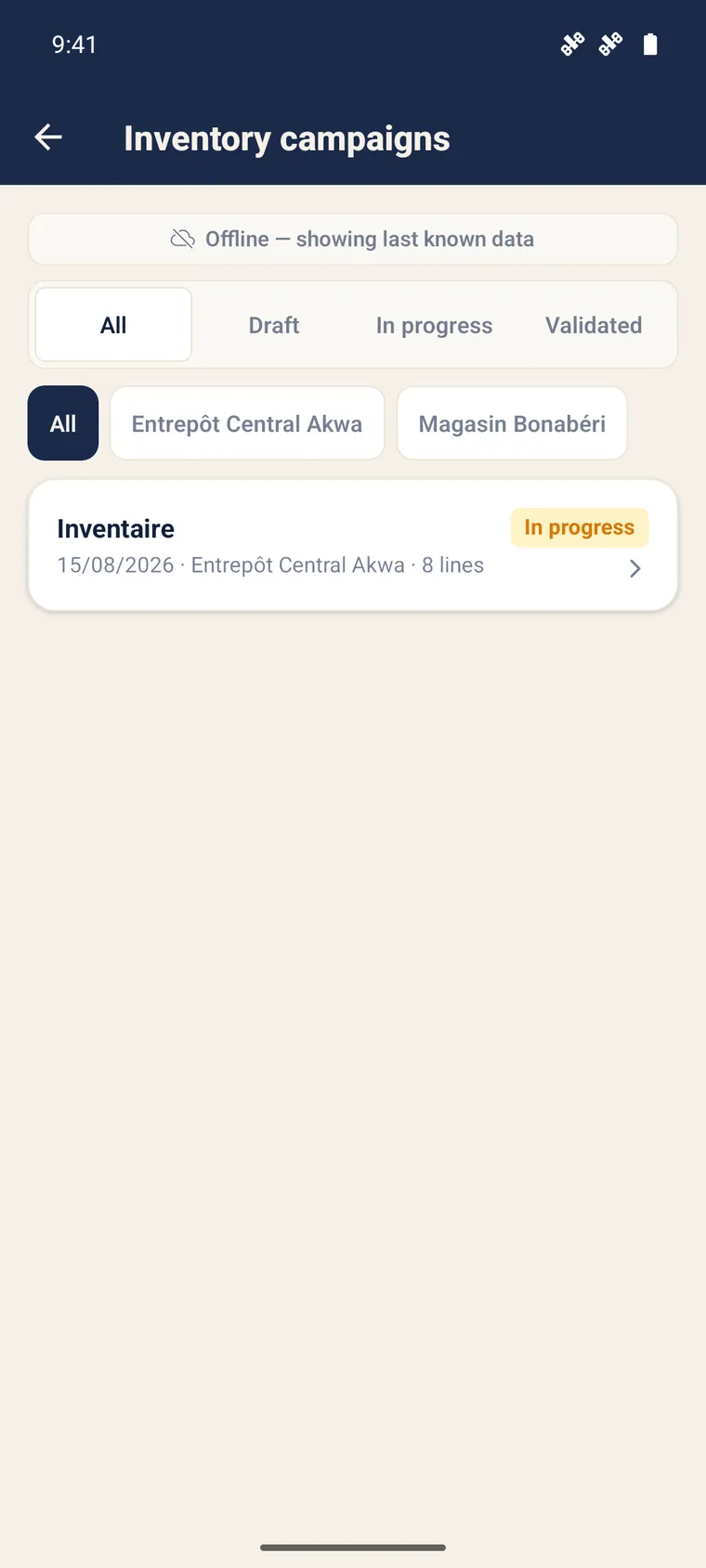
Section titled “Mass inventory by scan”During an inventory campaign, scan items one after another to instantly enter the counted quantities. See Inventory campaigns & scanning.
Create a catalogue by scan
Section titled “Create a catalogue by scan”When creating a product, the mass catalogue scan lets you scan a list of items: each unknown code offers a creation, probable duplicates are ignored. A single store for the whole scan session.
Further reading
Section titled “Further reading”- Stock & inventory (web) — the module overview
- Inventory campaigns & scanning — detailed counting
- Inter-store transfers — correct a store